
The content
Your questions, your pacing, your curriculum. Wiszy doesn’t write anything or grade for you — it makes the effort visible.
OPEN BETAFree for pilot schools
You write the questions. Wiszy makes students want to answer them — and gives you back the time you used to spend chasing them.
From blank page to classroom
Not a figure of speech. Here’s what you do, in order, the first time.
05:00from empty account to first assignment sent
Paste your student list or import the CSV from your school’s digital workspace. Students don’t have to create anything.
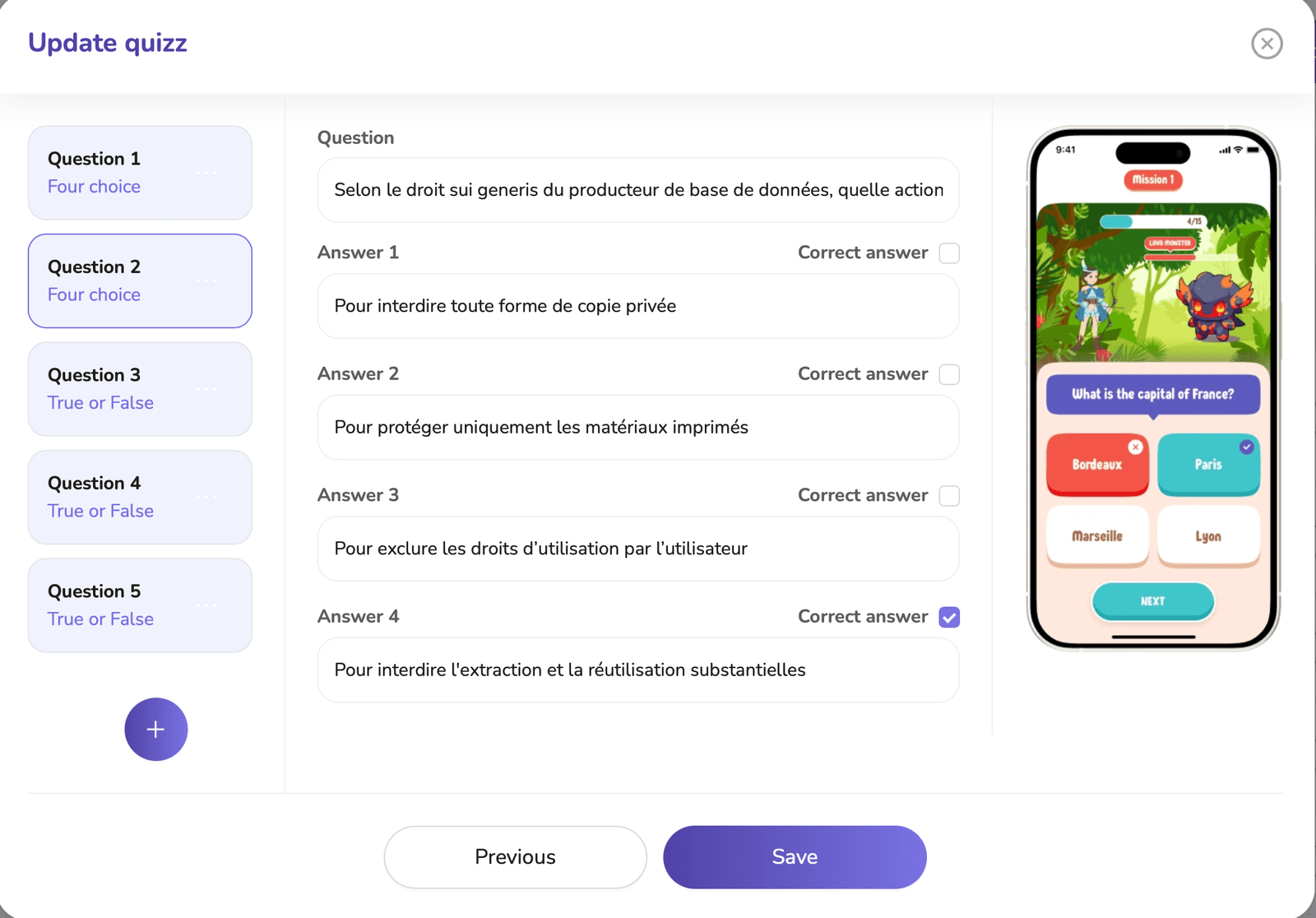
Multiple choice, true / false, fill in the blanks. Or start from a quiz in the library and edit it.
A date, a number of stars to reach, the groups it applies to. That’s all the setup there is.
Your students get it in their adventure. You close your laptop.
The red line
Your questions, your pacing, your curriculum. Wiszy doesn’t write anything or grade for you — it makes the effort visible.
You open and close missions whenever you want. Nothing unlocks on its own behind the class’s back.
Student accounts are created by the school, with anonymous usernames. No student emails, no data resale, no ads.
Tracking
The dashboard isn’t a scoreboard: it shows where students get stuck, student by student and skill by skill.
Questions we get asked
No. You create the accounts from your class, with anonymous usernames. No student provides an email address or any personal data to play.
One lesson. Students pick their character in two minutes, then move straight on to your first quiz. Setup on the teacher side fits in the five minutes described above.
Yes, on computers and on phones. That’s actually the most common use: students find their character and pick up the adventure where they left off.
Pilot schools keep free access until the end of the current school year, and get two months’ notice before any change. Your quizzes belong to you and can always be exported.
No. Wiszy is a motivation layer on top of your content. It doesn’t store lessons or official grades: your school’s digital workspace remains the reference.
Open beta
One class is enough to see if it catches on. Your feedback directly shapes the roadmap — and you keep free access until the end of the school year.
